








Skip to content
Nexter Extension

Limit Login Attempts for WordPress

Limit Login Attempts for WordPress to block brute force login attempts, lock out failed logins by IP, safelist trusted IPs, and view login attempt logs.

stylist icon

Stops brute force login guessing

stylist icon

Auto lockouts after failed attempts

stylist icon

Safelist trusted IPs and view logs

money-back-garanteee

30 Day Money-Back Guarantee

Guarantee-icon

30 Day Money-Back Guarantee

Creative Image

Why Should You Limit Login Attempts in WordPress?

Protect WordPress Login from Brute Force Attacks

Repeated login attempts slow your site and put accounts at risk. Limit Login Attempts blocks attackers after failed logins to keep your WordPress login secure.

Lock Out Attackers After Failed Login Attempts

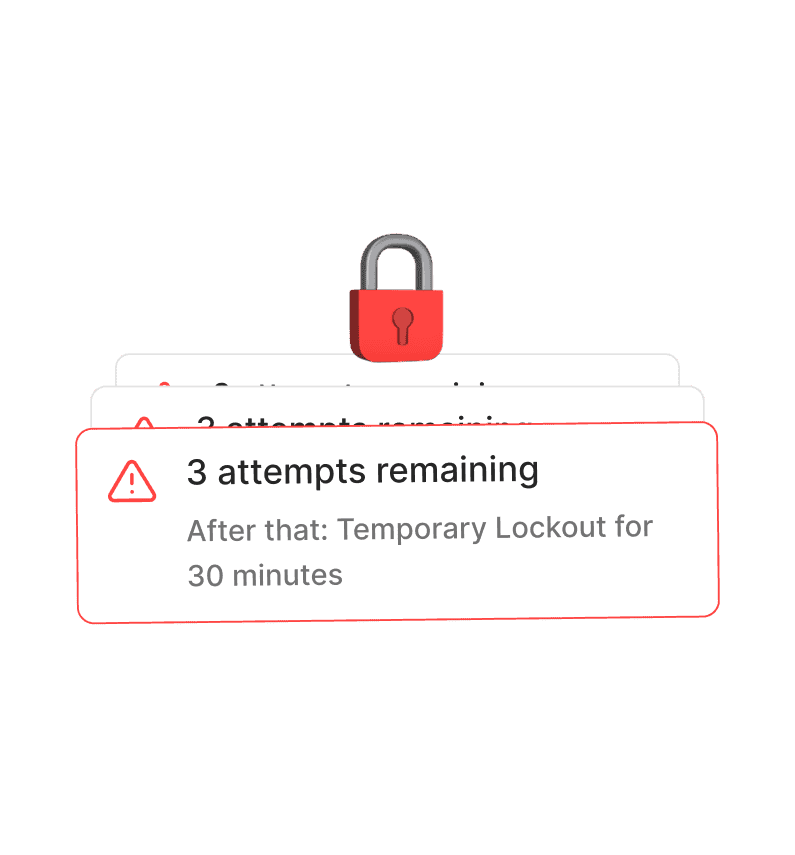
Instead of endless password guessing, WordPress automatically locks users after defined failed login attempts, reducing server load and security risks.
Peace of Mind

Keeps your site safe from repeated intrusion attempts without constant manual monitoring.
Automatically Block and Track Suspicious IPs

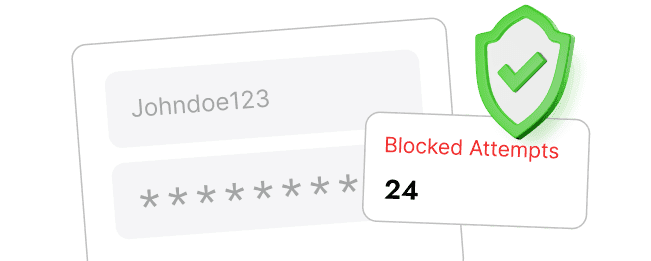
Every blocked IP is logged so you can see where attacks come from, helping you monitor brute force login attempts without manual checking.
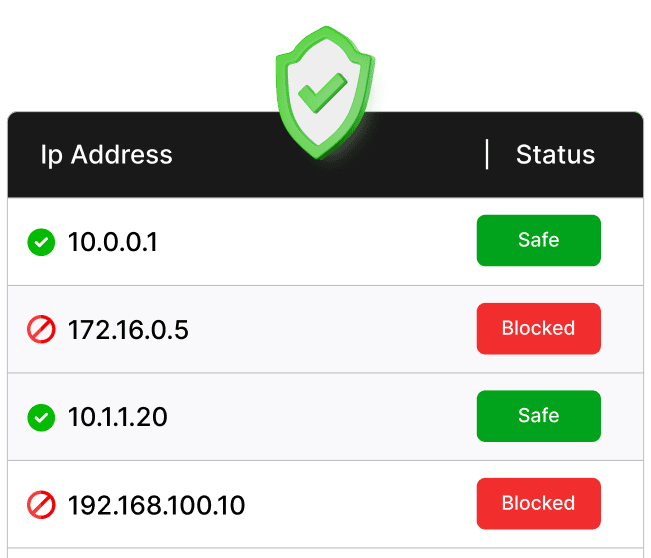
Whitelist Trusted IPs without Losing Access

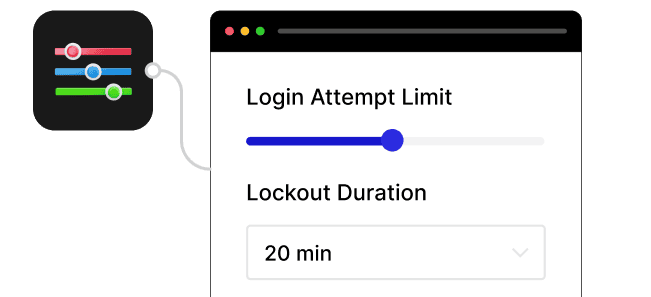
Safelist your own or team IPs so legitimate users never get locked out, even when strict login attempt limits are enabled.

Watch How to Limit Login Attempts for WordPress

Frequently Asked Questions

WordPress allows unlimited login attempts by default, which makes it vulnerable to brute force attacks. Limiting attempts helps prevent unauthorized access.
No. WordPress does not restrict failed login attempts out of the box. This feature adds that missing protection layer.
Not if you’re using Nexter Extension. The feature is built in, so you avoid installing and managing another standalone security plugin.
You can whitelist trusted IPs and control lockout rules, so genuine users and team members don’t lose access.
Yes. Agencies can apply consistent login protection across sites without adding multiple plugins, reducing setup time and maintenance.
No. Blocking repeated failed logins can actually reduce server load caused by brute force attacks.

More Extensions from Nexter

1000+ Pre-Designed Websites
Templates & Sections

1000+ Templates & Sections

View AI Powered WordPress Template

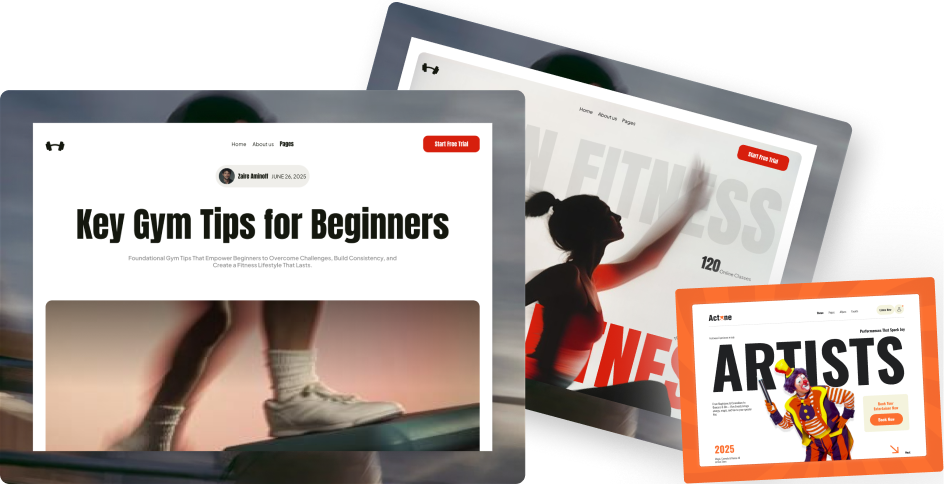
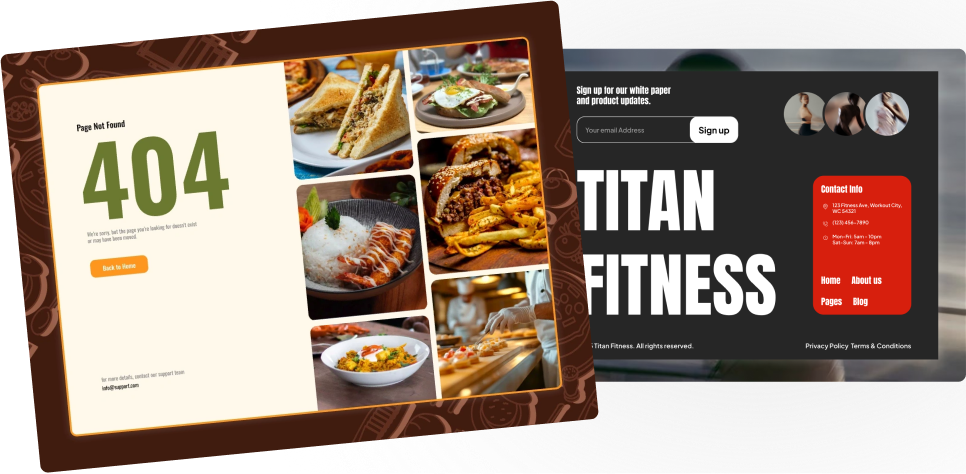
Pre-designed, ready-to-import Gutenberg templates and sections for every niche — build your next site in minutes, not days.

See all Demos
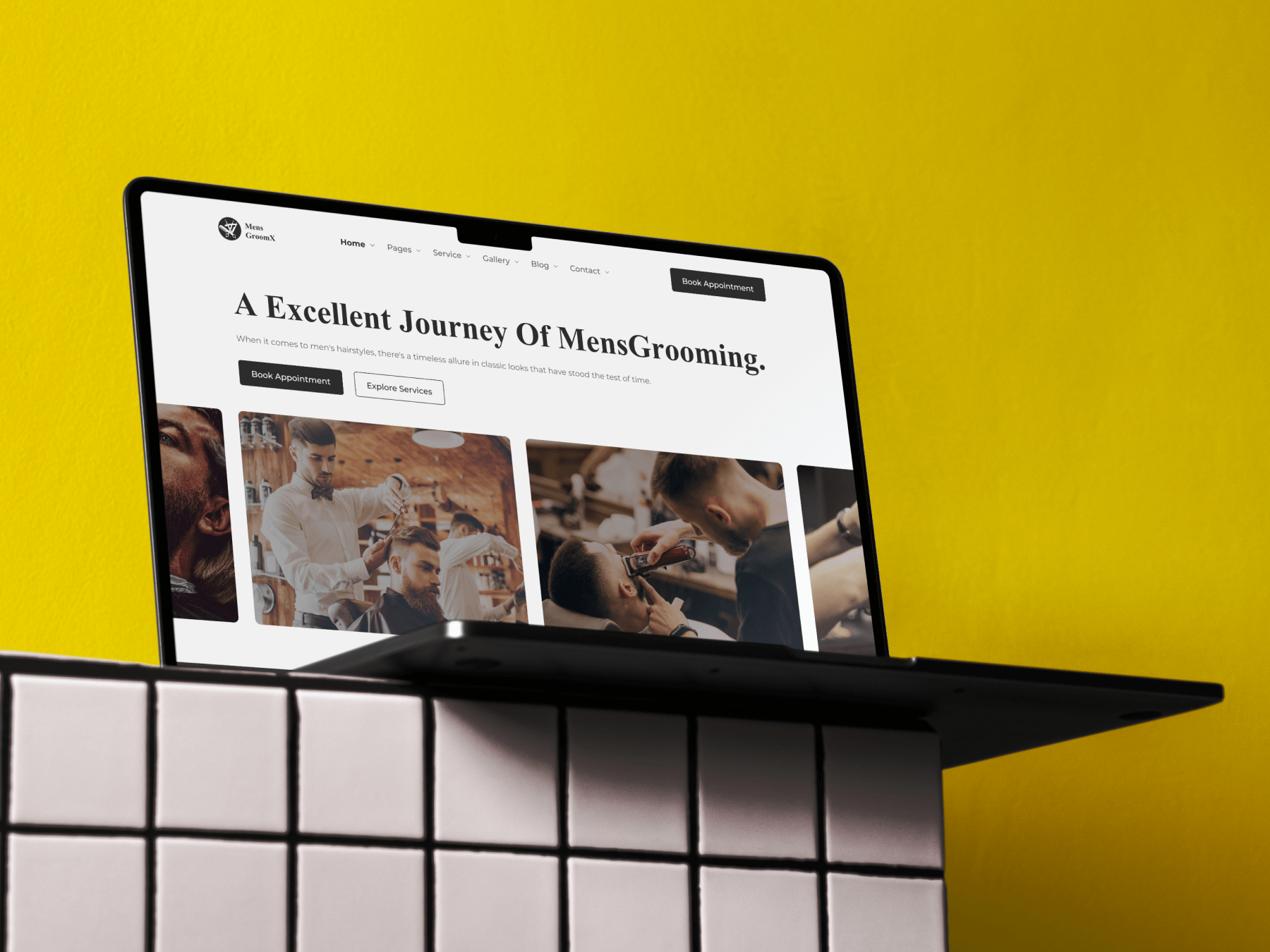
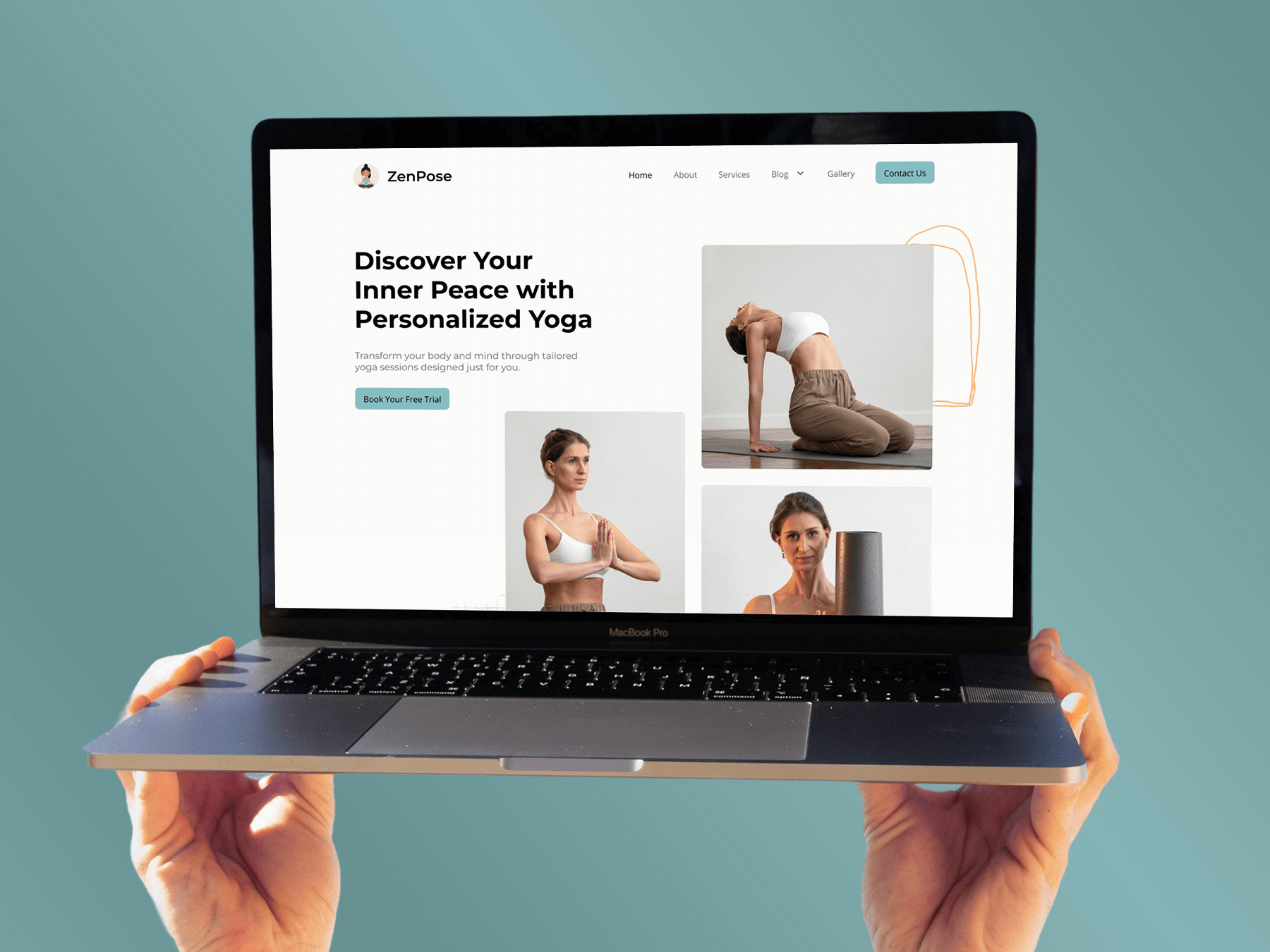
MensGroomX Prime template Medclinic Pro template ZenPose template

From Idea to Website with 1800+ Gutenberg Templates

Page Kits

AI Compatible

100+ Ready-to-Use Kits

Build Your Website Faster with AI

Build your website faster with AI-ready Gutenberg Page Kits designed for every niche. Import complete page sets, customize, and turn your ideas into a polished, professional website in minutes.

Sections

500+ sections

Build Pages with Ready-to-Use Sections

Bring your website ideas to life with professionally designed Gutenberg sections. Pick the sections you need, customize them your way, and build polished pages in less time.

Full Pages

1000+ Full Pages

Launch Complete Pages Faster

Build professional pages faster with ready-to-use Gutenberg templates designed for every niche. Choose a complete page, customize and layout to match your brand, and launch without starting from scratch.

Everything You Need to Build Better with Gutenberg Templates

Ready-to-Use Designs

Professionally designed templates that give you a strong starting point for any website or page.

Designs for Every Idea

Find professionally crafted layouts for business, creative, portfolio, agency, blog, eCommerce, and more.

Build Faster, Your Way

Import the design you need, customize it to match your brand, and launch without starting from scratch.